Password Safety 101: Small Habits That Prevent Big Problems
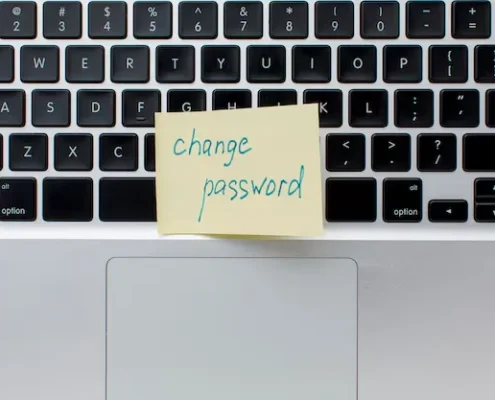 Passwords protect your business every day. They guard email, files, bank access, and customer data. Yet many security problems start with weak or reused passwords. One small mistake can lead to a large issue.
This guide explains simple habits that lower risk without slowing work. These steps help teams stay safer with less stress. For companies that rely on Appleton IT support, Green Bay IT support, or Fox Valley IT support, password basics play a key role in daily security.
Article Summary
- Why password safety still matters
- Common password mistakes businesses make
- What makes a strong password
- Why password reuse causes problems
- How password managers help
- What multi-factor authentication does
- Employee habits that reduce risk
- Training Helps Stop Ransomware Too
- What Happens When Password Safety Is Ignored
- How IT Support Helps Prevent Bigger Problems
- Simple Steps You Can Start Today
- Get Help Strengthening Your Security
1. Why Password Safety Still Matters
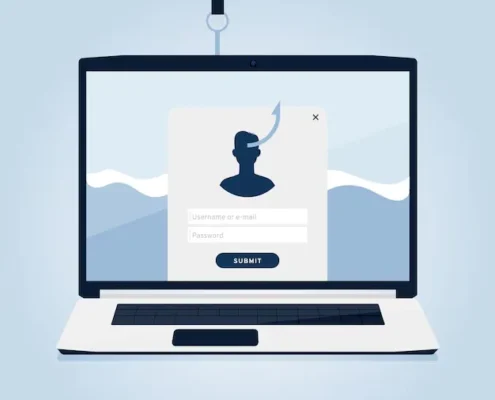
Many cyber attacks start with stolen passwords. Hackers use phishing emails, fake login pages, and leaked password lists. They do not need advanced tools if a password is easy to guess or reused.
Once attackers access one account, they often move quickly. Email access can lead to file sharing systems, cloud apps, or even financial tools. Strong password habits stop many attacks early.
Businesses that work with Appleton IT support often see fewer security events when teams follow basic password rules.
2. Common Password Mistakes Businesses Make
Many risks come from habits that feel harmless. Common mistakes include:
- Reusing the same password across systems
- Choosing short or simple passwords
- Sharing passwords by email or text
- Writing passwords on paper
- Never updating old passwords
These habits may save time at first. Over time, they increase risk. IT support teams often respond to issues that started with one weak password.
3. What Makes a Strong Password?
A strong password is hard to guess and hard to crack. It does not need to be confusing.
Good passwords usually:
- Use 12 or more characters
- Avoid names, dates, and common phrases
- Are unique for each system
- Use random words instead of patterns
Long passphrases work well. Four random words are stronger than a short complex string. Many Fox Valley IT support providers suggest this method because it is both secure and easy to remember.
4. Why Reusing Passwords Is Risky
Password reuse is one of the most common security problems. When one site is breached, attackers test that same password on email, cloud tools, and remote access systems.
This can lead to:
- Email account takeovers
- Network access
- Cloud system lockouts
- Financial fraud
Even trusted services get breached. Reuse turns one breach into many problems. Businesses using experienced IT support often reduce risk by enforcing unique passwords across all systems.
5. How Password Managers Help
Password managers store and create strong passwords for users. Employees remember one main password instead of many.
Benefits include:
- Unique passwords for every login
- No written or shared passwords
- Faster and safer access
- Secure sharing without exposing passwords
Password managers also flag weak or reused passwords. Professional IT services can help set these tools up and train staff on proper use.
6. What Is Multi-Factor Authentication?
Multi-factor authentication adds a second step to logins. This may be a code sent to a phone or a prompt in an app.
Even if a password is stolen, attackers cannot log in without that second step. This blocks many attacks right away.
Accounts that should always use multi-factor authentication include:
- Email systems
- Remote access tools
- Cloud software
- Admin accounts
7. Employee Habits That Lower Risk
Technology helps, but people play a big role in security. Small habits reduce risk every day. Good habits include:
- Checking links before clicking
- Never sharing passwords
- Reporting strange emails
- Locking screens when away
- Using approved tools only
Training supports these habits. This article on why employee training is your best cyber defense explains how simple education prevents many common attacks.
8. Training Helps Stop Ransomware Too
Weak passwords often lead to ransomware. One stolen login can open the door to file encryption and downtime.
Regular training helps employees spot warning signs early. Our guide on employee training for preventing ransomware attacks explains how awareness lowers risk and limits damage.
9. What Happens When Password Safety Is Ignored
Poor password habits can lead to:
- Ransomware infections
- Email fraud and spoofing
- Data loss
- Customer trust issues
- Expensive downtime
The long-term cost often exceeds the price of prevention. Many businesses learn this after the fact. This article on the hidden costs of ignoring IT support for small business breaks down why early action matters.
10. How IT Support Helps Prevent Bigger Problems
 Password safety works best with clear rules and proper setup. IT support teams help by:
- Setting password policies
- Deploying password managers
- Enabling multi-factor authentication
- Monitoring risky behavior
- Responding quickly to threats
Local Green Bay IT support and Fox Valley IT support teams like RanderCom understand the systems businesses rely on every day.
11. Simple Steps You Can Start Today
You do not need a full overhaul to improve security. Start with:
- Unique passwords for every account
- A trusted password manager
- Multi-factor authentication on email
- Clear password rules for employees
Small habits add up to strong protection.
12. Get Help Strengthening Your Security
Password safety does not need to be complex. The right habits and tools prevent many problems before they start. RanderCom helps businesses across Wisconsin build simple and effective security practices.
If you need Appleton IT support, Green Bay IT support, or Fox Valley IT support, RanderCom works with your team to reduce risk, improve safety, and keep systems running smoothly. Don’t hesitate to reach out to us today!
By Steve Lindstrum, Owner of RanderCom
Steve Lindstrum is the proud owner of RanderCom, serving Appleton, Green Bay, and communities across Wisconsin. At RanderCom, Steve and his team offer comprehensive small-business technology solutions. Services include the sales and installation of phone systems, surveillance systems, access control systems, paging & intercom systems, voice & data services, data cabling & wiring, and IT network equipment. With years of experience in installing business phone systems and other systems, you can trust RanderCom to meet your small business tech needs. Contact us today!